VPN Secure Communications for Your Security Defence Business
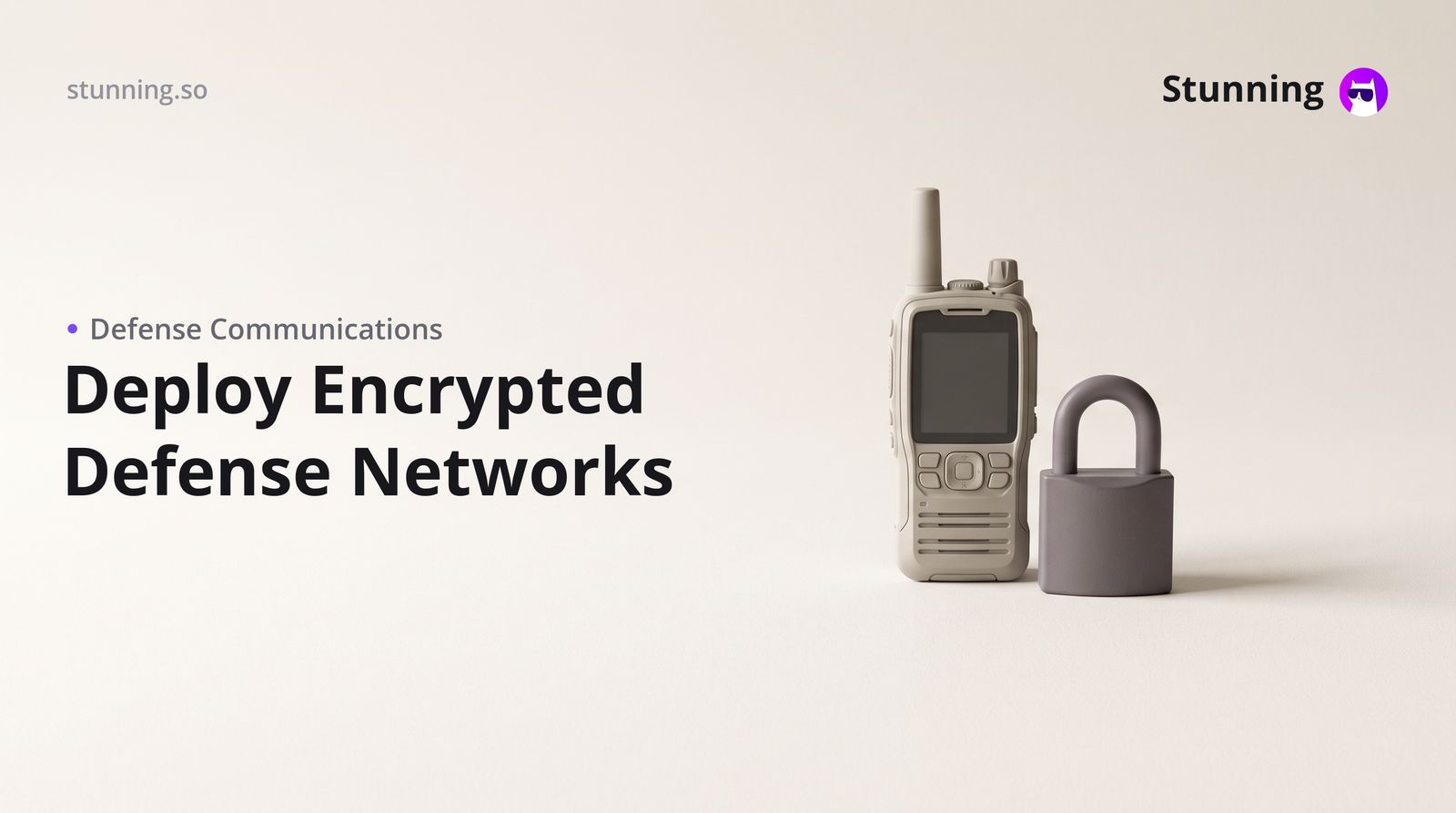
Running a security defence business — whether you provide guarding services in Dubai, surveillance systems in Riyadh, or risk consulting in Cairo — means your client data, patrol schedules, incident reports, and staff communications are genuinely sensitive. A VPN (Virtual Private Network) and secure communications setup is not a luxury for large corporations; it is a practical, affordable layer of protection that any small security firm can implement today.
Why a Security Defence Business Needs a VPN
Security companies handle information that competitors, disgruntled ex-clients, or malicious actors would find valuable: site access codes, client locations, guard shift rosters, and contract details. In the UAE and Saudi Arabia, data protection obligations sit alongside your trade licence requirements, and mishandling client data can expose you to regulatory risk as well as reputational damage. A VPN encrypts the internet traffic between your team's devices and your business systems, making it far harder for anyone to intercept communications — whether your staff are working from a client site in Abu Dhabi, a remote office in Jeddah, or a field location in Alexandria.
Choose the Right VPN Type for Your Operation
There are two practical options for a small security firm:
Business VPN service (cloud-hosted): Providers such as NordLayer, Perimeter 81, or Cisco Meraki offer managed VPN solutions where you pay a monthly subscription per user. These are the easiest to deploy — no server to maintain, and your team installs an app on their phone or laptop. Costs typically range from the equivalent of AED 40–120 per user per month depending on the plan and number of seats.
Self-hosted VPN (on your own server): Using open-source software such as WireGuard or OpenVPN on a cloud server (AWS, Google Cloud, or a local Gulf data centre) gives you full control. This is more cost-effective at scale but requires someone technical to set it up initially. If your firm does not have an in-house IT person, the managed route is the sensible starting point.
For most security defence businesses in the Gulf with five to fifty staff, a managed business VPN service is the right balance of security, cost, and ease of management.
Set Up Secure Internal Communications
A VPN protects data in transit, but you also need secure messaging and file sharing inside your team. Avoid using personal WhatsApp accounts for operational communications — messages sit on personal devices and are difficult to audit or revoke when a staff member leaves. Instead, consider:
- Signal for Business or WhatsApp Business API with strict device management policies
- Microsoft Teams or Google Workspace with encryption enabled and access controlled through your VPN
- Wickr or Element (Matrix) for end-to-end encrypted team messaging, particularly if you handle government or high-value private contracts
All of these integrate with a VPN so that staff must be connected to your secure network before accessing company channels.
Practical Steps to Deploy Your VPN System
- Audit your current tools. List every platform your team uses: WhatsApp groups, shared Google Drives, email accounts, your CRM or scheduling software. These are the systems you need to protect.
- Select a VPN provider. Sign up for a business VPN trial (most offer 14–30 days free). Add your team members as users and assign roles — admin, field operative, office staff.
- Set a policy. Write a one-page rule: all company systems must be accessed through the VPN only. Make this part of your staff onboarding alongside your trade licence copy and contract templates.
- Enable two-factor authentication (2FA). On every business account — email, CRM, invoicing software — turn on 2FA. This is the single highest-impact security step you can take, and it costs nothing.
- Train your team. A thirty-minute walkthrough showing staff how to connect the VPN app before opening company tools is sufficient for most teams. Record it as a short video so new hires can follow it independently.
- Review access regularly. When a guard or administrator leaves, revoke their VPN and system access on the same day. This is a discipline, not a technology problem.
Invoicing, VAT, and Payments for Your Security Firm
Secure communications protect your operations, but your business systems also need to handle the commercial side correctly. In Saudi Arabia, ZATCA e-invoicing compliance means your invoices must be generated and transmitted in an approved digital format — paper invoices alone are no longer sufficient for VAT-registered businesses. In the UAE, VAT invoices must meet FTA requirements. Platforms such as Moyasar and Tap are widely used by security firms in the Gulf to collect payments from corporate clients via bank transfer or card, and Paymob serves businesses in Egypt well for the same purpose.
If you are building or rebuilding your business website and client portal alongside this security upgrade, tools like Stunning let you create a professional site and connect your booking, enquiry, and payment flows without writing any code — keeping your digital footprint tidy and your client-facing systems consistent with the professional image a security company needs to project.
Maintaining Your Secure Setup Over Time
A VPN is not a one-time installation; it is an ongoing practice. Schedule a quarterly review: check that all staff accounts are active and necessary, update passwords, review which devices have access, and confirm your VPN provider's software is up to date. If you hold contracts with government entities or critical infrastructure clients in the UAE or Saudi Arabia, ask your client's procurement team whether they have specific cybersecurity requirements — some do, and meeting them early strengthens your contract renewal position.
Secure communications are increasingly a selling point for security defence businesses, not just a back-office concern. When pitching to a new corporate client in Dubai or a facilities management company in Riyadh, being able to say that your team operates on an encrypted, auditable communications network sets you apart from smaller competitors who rely on informal WhatsApp groups and shared email passwords.
Create your VPN and secure communications system with Stunning
Describe it in plain language and Stunning builds the working system for you — no code required.
Ready-made systems for this business
Solution pages for the same industry — the full system, its features and FAQ, and one button that starts building it.
Related articles
Frequently asked questions
Do I need a VPN if my security company is small — say, ten guards?
Yes. Even a ten-person team handles client site details, shift schedules, and access codes that are worth protecting. A managed business VPN costs very little per user and is straightforward to set up without technical staff.
Is using a VPN legal in the UAE and Saudi Arabia?
Using a VPN for legitimate business purposes — protecting company data and communications — is legal in both countries. Using a VPN to access prohibited content or circumvent regulations is not. A business VPN for internal operations is standard practice and raises no legal concerns.
How does a VPN affect ZATCA e-invoicing compliance in Saudi Arabia?
A VPN does not interfere with ZATCA compliance. Your e-invoicing software connects to ZATCA's servers normally; the VPN simply encrypts that connection. Make sure your invoicing platform is ZATCA-approved regardless of your VPN choice.
Can my field staff use the VPN on their mobile phones?
Yes. All major business VPN providers — NordLayer, Perimeter 81, and others — offer iOS and Android apps. Your guards or field operatives install the app, log in with their company credentials, and connect before accessing any company system.
What is the difference between a VPN and end-to-end encrypted messaging?
A VPN encrypts all traffic between a device and your company network, protecting everything in transit. End-to-end encrypted messaging (like Signal) encrypts specific messages so only the sender and recipient can read them. For a security company, you ideally use both together.