Replit Alternative: Avoid Surprise Bills, Build Anyway
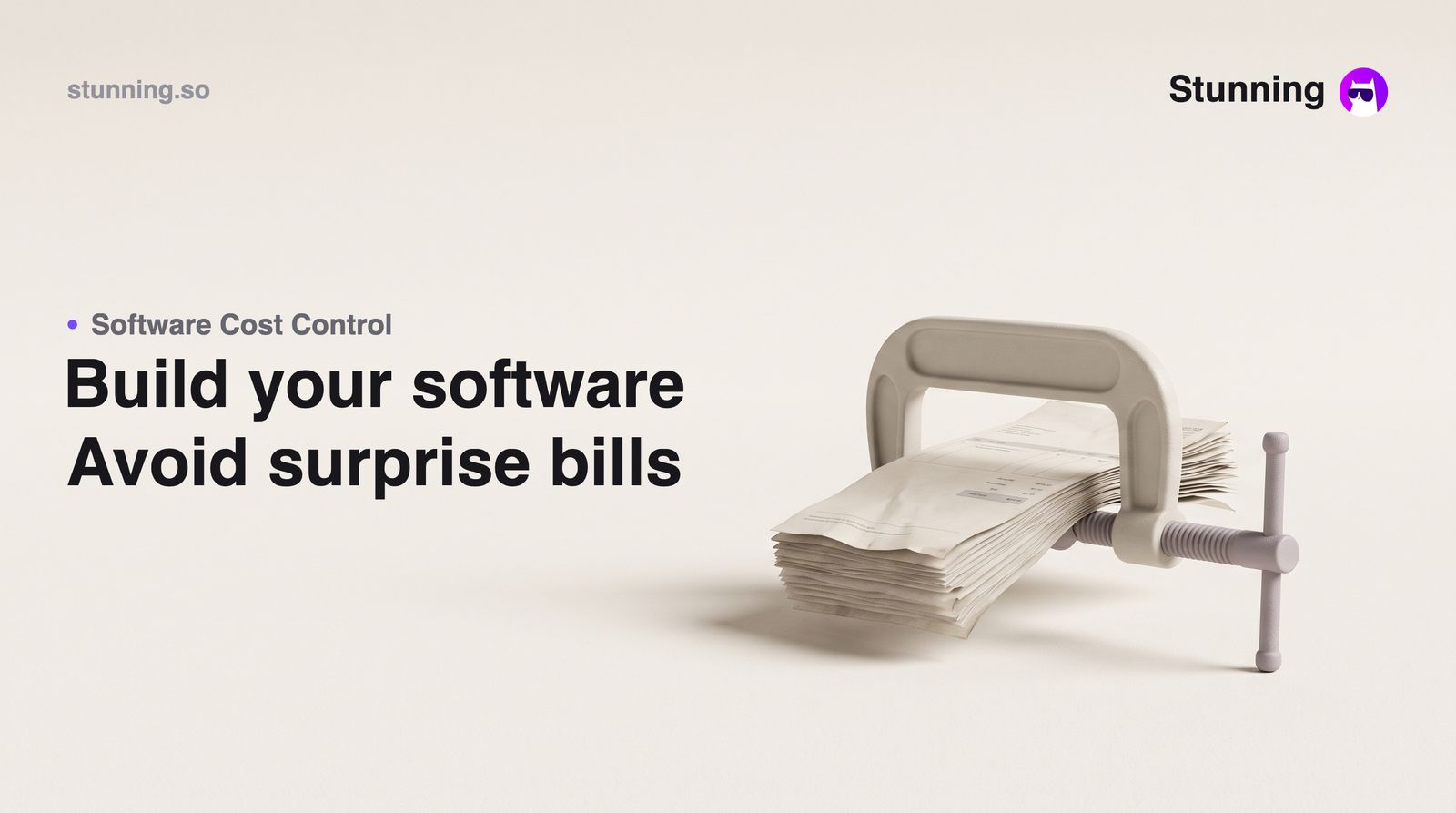
Many small-business owners in the UAE, Saudi Arabia and Egypt have turned to Replit to build internal tools, client portals or simple business apps — only to open their bank statement and find a charge of $200, $300 or more with no prior warning. If you searched for a Replit alternative because of exactly this, you are in the right place. This guide explains why the billing surprises happen, what to check before you commit to any AI coding tool, and what your realistic options are — including when Replit is still the right choice.
Why the Bills Climb Without Warning
Replit runs on a credit model: you buy or subscribe to credits, and the AI agent spends them as it works. The problem many users report is not the model itself — it is the lack of visibility. Credits drain during agent runs that produce no working output. If you prompt the agent, it tries something, fails, and you prompt it again, many users report being charged for every attempt, successful or not.
Beyond the base subscription, many users did not realise that connecting external AI models or APIs added separate charges directly to their linked payment card. One widely shared account describes paying anywhere from $25 to $200 per month, with additional deductions appearing on a connected debit card that the user had not anticipated. Another describes a $355 charge that the company declined to refund, citing its Terms of Service. A third describes the experience as feeling outright exploitative toward ordinary consumers who are not developers reading the fine print.
For a business owner in Dubai running a trading company, or a clinic manager in Riyadh who simply wants an appointment booking system, these are not acceptable risks. You have a trade licence to maintain, VAT obligations to meet, and cash flow that cannot absorb a surprise $300 software bill.
A Checklist Before You Commit to Any AI Builder
Whether you stay with Replit, try an alternative, or hire a freelancer, run through this list first.
1. Understand exactly what triggers a charge. Ask: does a failed agent run cost credits? Does connecting an external AI model add a separate bill? Read the pricing page carefully, not just the headline monthly fee.
2. Check whether you can see your balance in real time. If the tool does not show you a live credit balance and a log of what each run consumed, you are flying blind. Demand that visibility before you top up.
3. Set a hard spending limit before you start. Some tools allow you to cap spending at the account level. Find that setting on day one, not after the first invoice.
4. Test with a small, well-defined task first. Do not begin with your most complex requirement. Ask the agent to build one small screen or one simple form. See what it costs and how long it takes before you scale up.
5. Separate your payment method from your main business account. Load a prepaid card with a fixed amount. When it runs out, the charges stop. This is especially important if the tool charges a connected debit card for overages, as many users of Replit have reported.
6. Confirm what happens when the agent fails. If the output is wrong and you ask it to try again, does that cost you? Know the answer before you iterate.
What Stunning Offers for Business Owners Who Don't Code
If your goal is to get a working business app — an online store, a client booking system, a CRM, a staff rota tool — without writing code and without a developer on the payroll, Stunning is worth considering.
You describe what you need in plain language (or by voice, in Arabic or English), and Stunning builds it: a real web app with a database, or a mobile app for iOS and Android. The builder integrates directly with the payment gateways Gulf business owners already use — Moyasar, Tap, PayTabs, Paymob and Tabby — and with Qoyod and Wafeq for accounting and ZATCA-compliant e-invoicing in Saudi Arabia. A Saudi retailer can have an online store that accepts Mada and issues ZATCA-compliant invoices the same afternoon, without hiring anyone.
On the billing side: Stunning also runs on credits, and you can see your balance and a log of what each action consumed at any time inside your account. There is a free tier to start. That does not remove usage costs, but it lets you keep an eye on your spending as you build.
For business owners who are not comfortable typing prompts in English, Stunning's voice assistant Layla speaks Arabic dialects and English. You describe the system you need out loud, confirm the plan, and it gets built — the same way you would brief a member of staff.
When Replit Is Still the Better Fit
Be fair to the tool. Replit is a genuine development environment built for people who write code. If you or someone on your team can write code, Replit's collaborative IDE, hosting and deployment pipeline are genuinely useful. It is built for people who want to write and run code in a browser, not primarily for business owners who want a finished app without touching code.
If your requirement is technically complex — a custom API integration, a proprietary algorithm, a system that needs to talk to legacy software — a developer working in Replit (or any proper IDE) is likely the right answer. The frustration in the reviews comes almost entirely from non-developers who were sold on the AI agent as a no-code shortcut and then hit unexpected bills.
The Practical Conclusion
The billing complaints about Replit are not about the product being bad at what it is designed for. They are about a mismatch: non-technical business owners using a developer tool and being surprised by usage-based pricing they did not fully understand. The fix is either to understand the pricing model completely before you start, or to choose a tool designed from the ground up for business owners rather than developers.
If you run a clinic in Abu Dhabi, a restaurant group in Jeddah, or a real-estate brokerage in Cairo, your time is better spent on your business than on debugging agent runs that charge you whether they succeed or not. Describe the business app you need — the booking system, the inventory tracker, the client portal — and watch it get built on Stunning, free to start.
Create your business app with Stunning
Describe it in plain language and Stunning builds the working system for you — no code required.
Related articles
Frequently asked questions
Why do Replit bills sometimes reach $200–355 per month?
Many users report that charges accumulate from multiple sources: the base subscription, credits consumed by agent runs (including failed ones), and additional charges from connected external AI models or APIs billed directly to a linked payment card. The combination can reach several hundred dollars in a single month without a warning email.
Can I build a business app without any coding knowledge?
Yes. No-code and AI builder platforms let you describe what you need in plain language and generate a working web or mobile app. The key is choosing a tool designed for business owners rather than developers, so the interface, integrations and support match your actual workflow.
What payment gateways work for businesses in the UAE, Saudi Arabia and Egypt?
Common options include Moyasar and Tap (widely used in Saudi Arabia and the UAE), PayTabs (Gulf and Egypt), Paymob (Egypt and the wider region) and Tabby for buy-now-pay-later. Make sure any app builder you choose integrates with the gateway your customers already use.
Does ZATCA e-invoicing compliance affect which app builder I choose?
If you operate in Saudi Arabia and issue invoices, your system must generate ZATCA-compliant e-invoices. Not all app builders handle this. Look for one that integrates with compliant accounting software such as Qoyod or Wafeq, which are built for the Saudi market.
How do I avoid surprise charges when using any AI builder?
Before you start: read exactly what triggers a charge (including failed runs), confirm you can see a real-time credit balance and usage log, set a hard spending limit, and use a prepaid card with a fixed amount rather than your main business debit card. Test with a small task before committing to a large build.