How to Compress a PDF for Your Business (No Code)
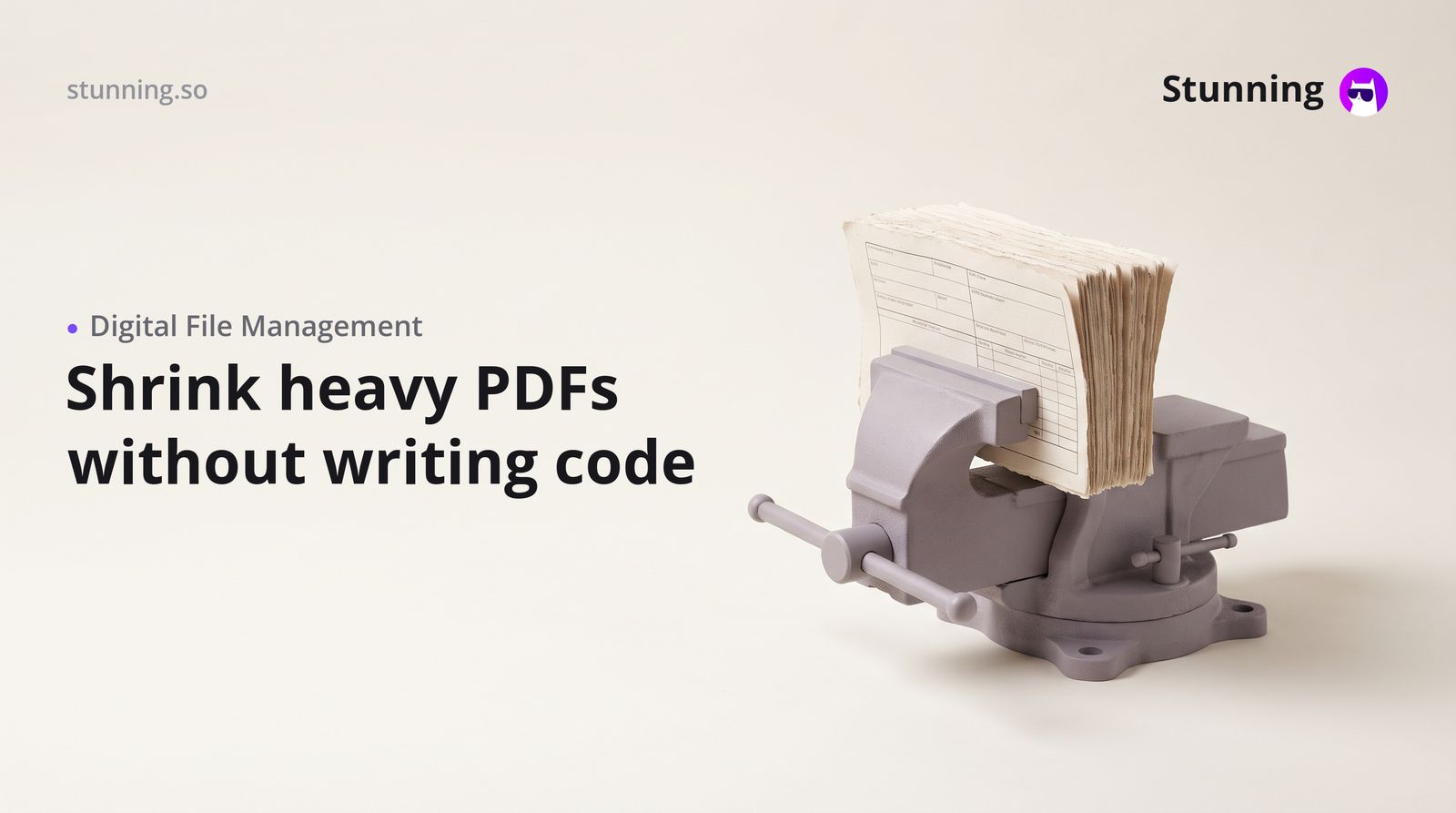
Knowing how to compress a PDF is one of those small but genuinely time-saving skills every business owner in the UAE, Saudi Arabia or Egypt picks up quickly — because oversized files bounce back from email servers, slow down WhatsApp shares and clog the portals your accountant or ZATCA-compliant invoicing system relies on.
Why PDF File Size Matters for Gulf Businesses
When you are running a trading company in Dubai or a clinic in Riyadh, you send dozens of documents every week: quotations, VAT invoices, trade licence copies, lab reports, tenancy contracts. Many government portals in the UAE (such as DED or MOHRE) and Saudi Arabia (ZATCA, Absher) set strict upload limits — often 2 MB or 5 MB per file. A scanned contract or a multi-page proposal can easily reach 15–20 MB before you touch it.
Compressing the PDF brings it within those limits without losing the text or signature clarity that makes the document legally useful.
Four Practical Ways to Compress a PDF
1. Use a browser-based compressor Tools such as ILovePDF, Smallpdf or Adobe Acrobat Online let you drag a file in, choose a compression level (screen, ebook, print or prepress) and download the result in seconds. No software installation is needed. Most offer a free tier that handles one or two files at a time — enough for occasional use.
2. Use Adobe Acrobat (desktop) If your office already pays for Adobe Acrobat Pro, open the PDF, go to File → Compress PDF (or Reduce File Size) and save. You get the most control over output quality. This is the right choice when you compress high-resolution brochures or engineering drawings where detail matters.
3. Compress at the source The cheapest compression happens before the PDF exists. When you export a Word or Google Docs file, choose a lower image resolution (96–150 dpi is fine for most business documents). When scanning a physical document, set the scanner to 150–200 dpi rather than the default 300–600 dpi. A scanned A4 page at 150 dpi is roughly one-tenth the size of the same page at 600 dpi.
4. Use a mobile app On an iPhone or Android phone — which is how most business in the Gulf actually runs — apps such as PDF Compressor, PDF Expert or even the built-in Files app on iOS let you reduce file size on the spot before you forward the document on WhatsApp or upload it to a payment portal like Moyasar or Paymob.
What Compression Level Should You Choose?
As a rule of thumb:
- Screen / low quality — smallest file, fine for internal approvals or WhatsApp sharing where the recipient will never print it.
- Ebook / medium quality — good balance; use this for VAT invoices, quotations and most client-facing documents.
- Print / high quality — larger file but crisp; use this only when the client will print and sign the document.
For ZATCA e-invoicing in Saudi Arabia, the XML or PDF/A file your accounting software generates is usually already optimised — check with your software provider before compressing it, as altering the file could affect the hash value used for compliance.
Building a Branded Document Portal for Your Business
Compressing individual PDFs manually works, but if your business sends dozens of proposals, contracts or reports each month, you will save more time by building a simple client-facing document portal — a web page where clients log in, download their compressed documents and sign off, rather than hunting through WhatsApp threads.
This is exactly the kind of no-code business system you can put together on a platform like Stunning, which lets you describe what you need in plain English and generates the pages and logic without writing a single line of code. You could build a portal that accepts PDF uploads from your team, displays them to the right client account and tracks whether the document has been viewed — all without a developer.
For a clinic in Abu Dhabi or a real-estate brokerage in Jeddah, that means lab results or tenancy agreements reach the right person instantly, at the right file size, with your logo on the page.
Keeping Compressed PDFs Compliant
A few compliance points worth noting:
- VAT invoices in the UAE and Saudi Arabia must contain specific fields (TRN/VAT number, tax amount, date). Compression does not remove these, but make sure the text remains legible after compression — zoom in to check.
- Trade licence copies submitted to banks or government authorities must be clear enough to read the licence number and expiry date. Use medium or print quality for these.
- Signed contracts — if the document carries a wet or digital signature, test that the signature field still validates after compression. Some PDF validators check file integrity.
- Data privacy — when you upload client documents to a third-party compressor, you are sharing that data with their servers. For sensitive medical records or financial statements, use a desktop tool or an on-premise solution rather than a public website.
A Simple Workflow to Adopt This Week
- Identify the three document types you send most often (invoice, quotation, contract).
- Pick one compression method from the list above and compress a sample of each — note the before and after file sizes.
- Set a standard: for example, "all outgoing PDFs must be under 3 MB before sending".
- Share the method with anyone on your team who prepares documents.
- If you send more than 20 documents a week, evaluate whether a simple document portal would save more time than manual compression.
Small operational habits like this compound quickly. A 30-second compression step on every document adds up to fewer bounced emails, faster government submissions and a more professional impression with every client you serve.
Create your PDF compression and document management tool with Stunning
Describe it in plain language and Stunning builds the working system for you — no code required.
Related articles
Frequently asked questions
Will compressing a PDF damage the text or make it unreadable?
No — text in a PDF is stored as vector data and is not affected by compression. Only embedded images lose some quality. For standard business documents such as invoices and contracts, medium compression is completely safe.
Is it safe to upload confidential business documents to a free online PDF compressor?
Reputable tools delete your files from their servers within a short window (often one hour), but for sensitive data — medical records, financial statements, trade licence copies — use a desktop application such as Adobe Acrobat or the built-in tools on your operating system instead.
Can I compress a ZATCA-compliant e-invoice PDF without breaking compliance?
ZATCA-compliant invoices generated by certified accounting software already contain a cryptographic hash. Altering the file after generation — including compressing it — could invalidate that hash. Check with your e-invoicing provider before compressing these files.
What is the maximum PDF file size accepted by UAE government portals?
Limits vary by portal and authority. Common limits are 2 MB, 5 MB or 10 MB. Always check the specific portal's upload requirements before submitting, and compress accordingly.
How do I compress a PDF on my phone without installing an app?
On an iPhone, open the PDF in the Files app, tap Share, then Print — in the print preview, pinch outward to open the PDF, then share it again. This often reduces file size. Alternatively, open a browser-based compressor such as ILovePDF directly in Safari or Chrome on your phone.